A small app for iPhone
Decide what matters. Protect what matters.
Choose what matters to you and what can wait. When distraction appears, Decide brings you back to what you chose.
No account. No ads. No tracking. Everything stays on your iPhone.
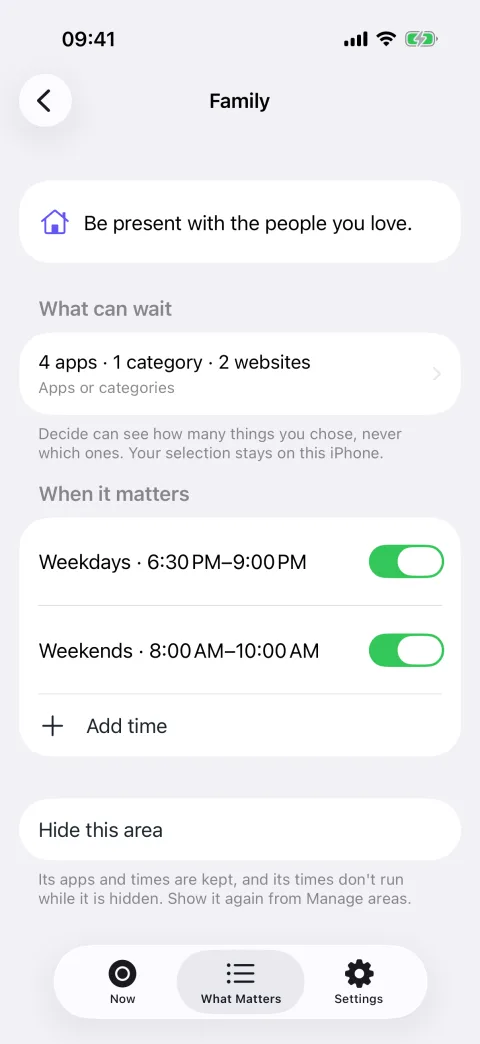
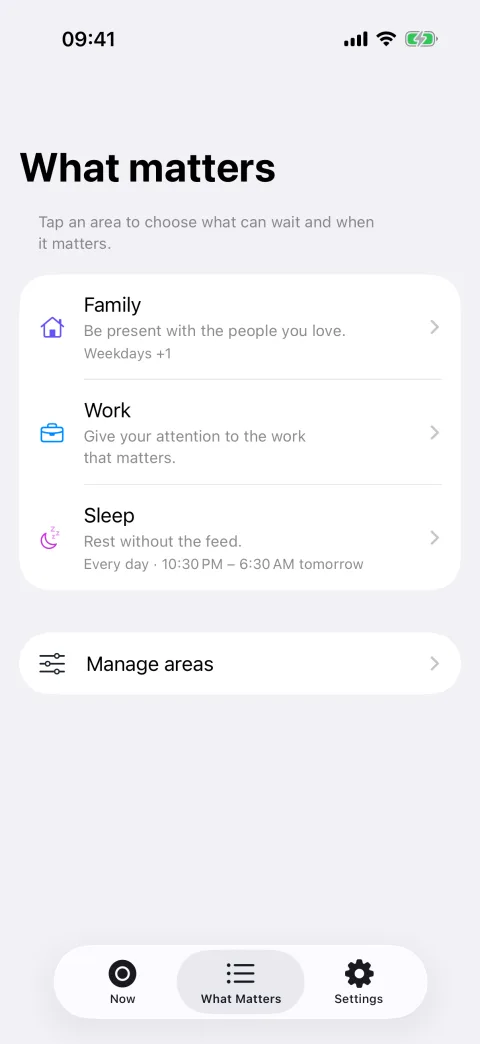
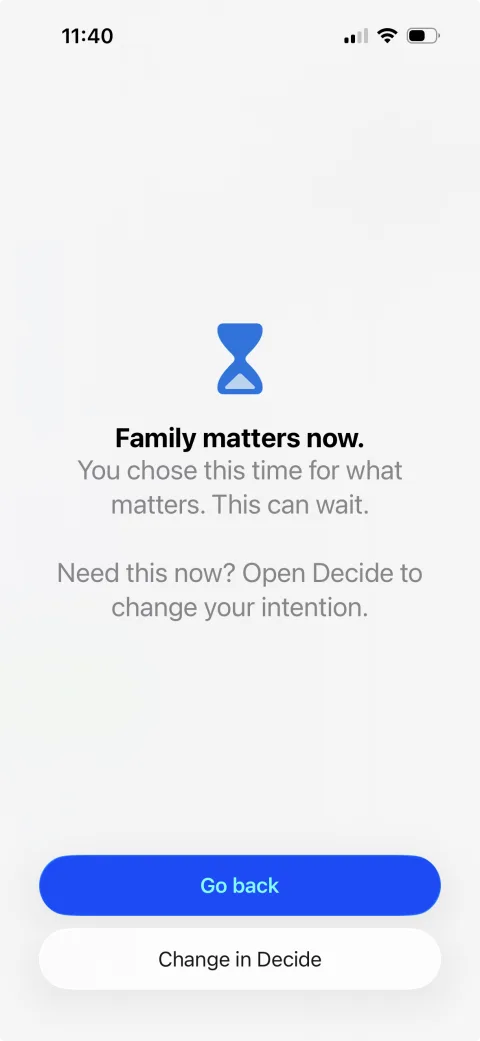
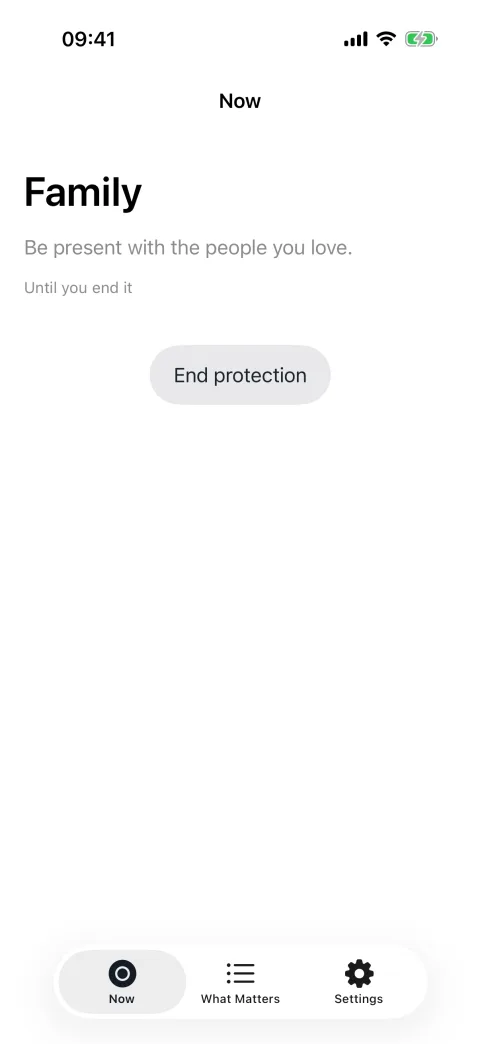
Your phone knows what wants your attention. You decide what deserves it.
Decide does not judge every minute of screen time, and it does not tell you what should matter. It protects the periods you set aside — for work, for sleep, for the people around you, for whatever you chose — from the apps you chose to set aside.
How it works
-
Choose what matters
Family, work, sleep, education, health, personal time, friends or faith. Show the ones that are yours and hide the rest.
-
Choose what can wait
The apps or categories that should not interrupt. You pick them in Apple’s own picker; Decide can see how many you chose, never which ones.
-
Choose when it matters
Set aside times — a weekly rhythm, an overnight, or just tonight — or decide in the moment. When one of those apps calls, Decide reminds you of your decision. You can always end it.
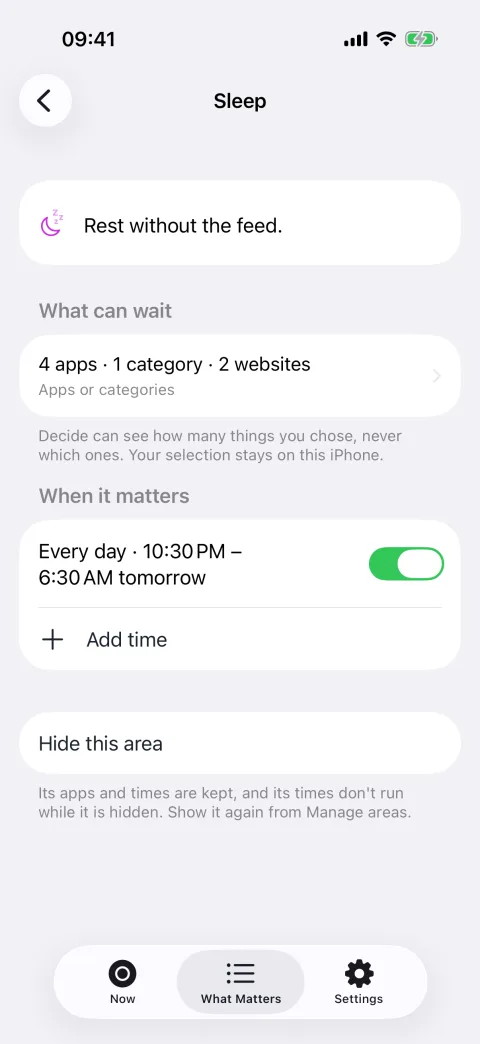
Protect your sleep.
Pick the apps or categories that can wait overnight, and the hours that are yours. If you reach for one of them during the night, Decide reminds you what you chose.
Your life is not our dataset.
Your selected apps, areas, times, protection state, and phone activity stay on your iPhone. Decide has no account, behavioral analytics, advertising, cloud activity profile, or AI service reading how you use your phone.
Where your information goes
- Your decision What matters, what can wait, and when →
- Local configuration Stored on this iPhone →
- Apple Screen Time frameworks On-device →
- Local protection Apps you chose are set aside
No activity-data server
Everything in this diagram happens on your iPhone. Decide has nowhere else to send it.
Principles
-
You decide
Decide never tells you that you failed, and never tells you what should matter. It reminds you of a decision you already made.
-
Private by architecture
There is no account and no activity server. Decide contains no code that could send your choices anywhere.
-
Yours to end
Protection is a decision, not a lock. Ending it is always one deliberate step away — and Decide succeeds when you leave the app and return to your life.